The best way to achieve an optimized layout on our Free plan is to go to Apps > Instafeed and select the option Responsive Layout > Auto:
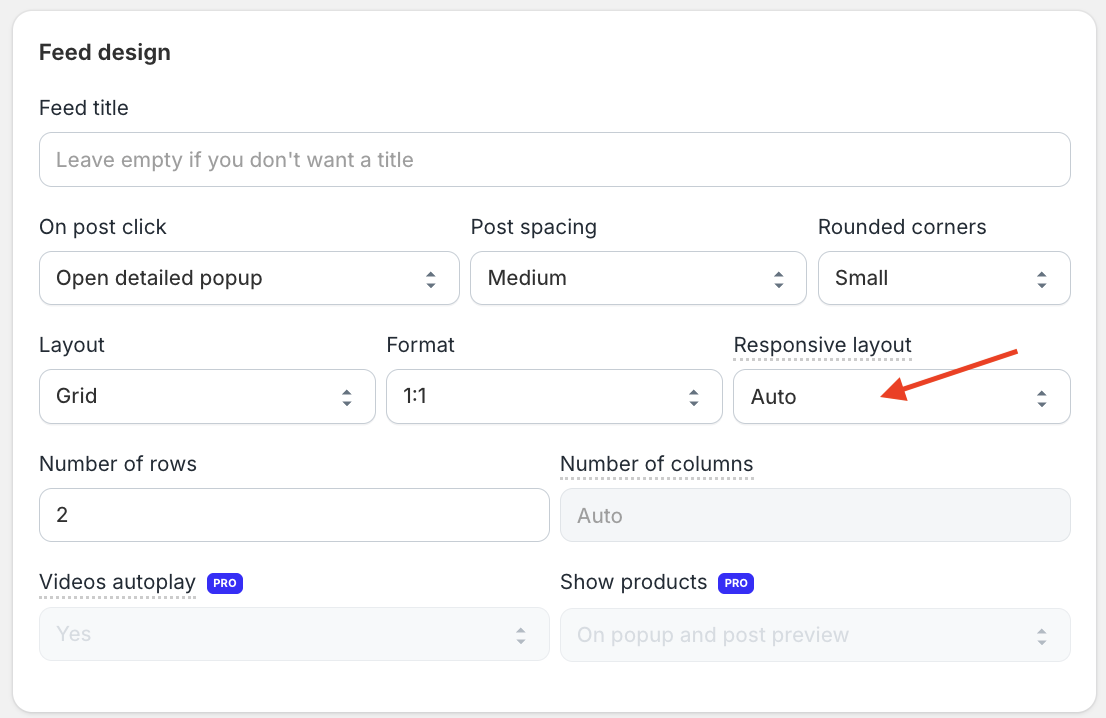
This option allows Instafeed to automatically determine the best number of columns (for grid layout) or visible posts (for slider layout) based on the screen size of each device.
If you prefer to manually set the number of columns (or visible posts for a slider layout), change the Responsive layout option to Manual:
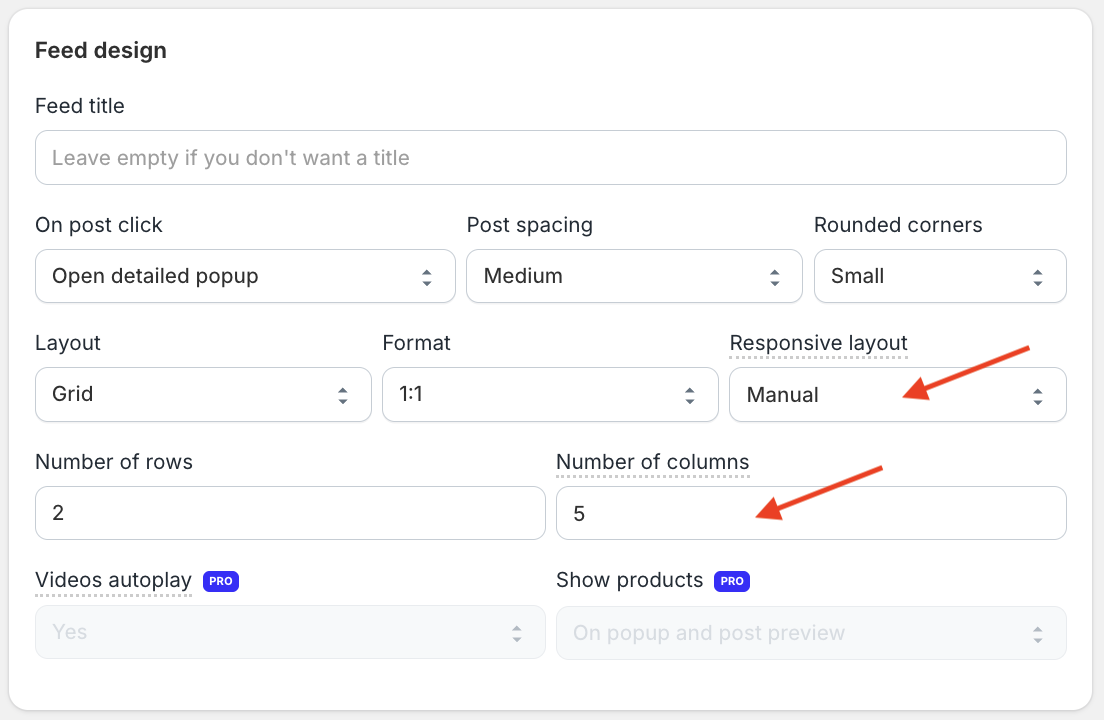
Please note that with Responsive Layout > Manual on the Free plan, the number of columns will be the same across all devices.
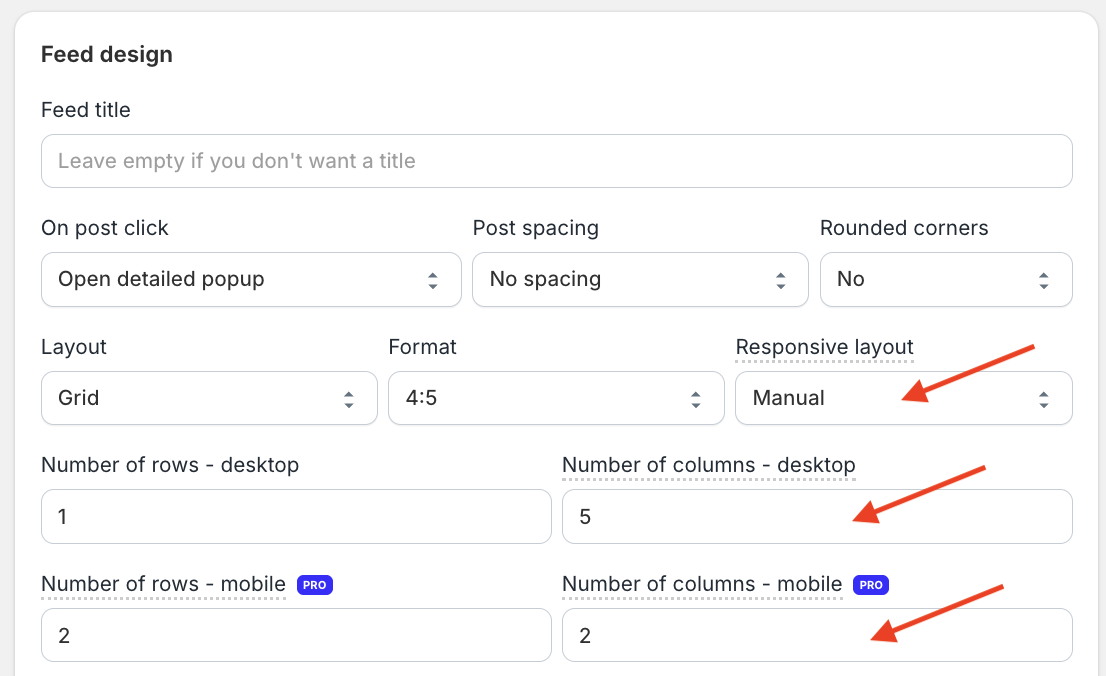
If you’d like to set different numbers of columns for mobile and desktop, this is available with Responsive Layout > Manual on the Pro plan: