With our Pro plan, you can add 3 feeds to your store, while Plus allows you to add unlimited feeds.
To show multiple feeds from different Instagram accounts, follow these steps:
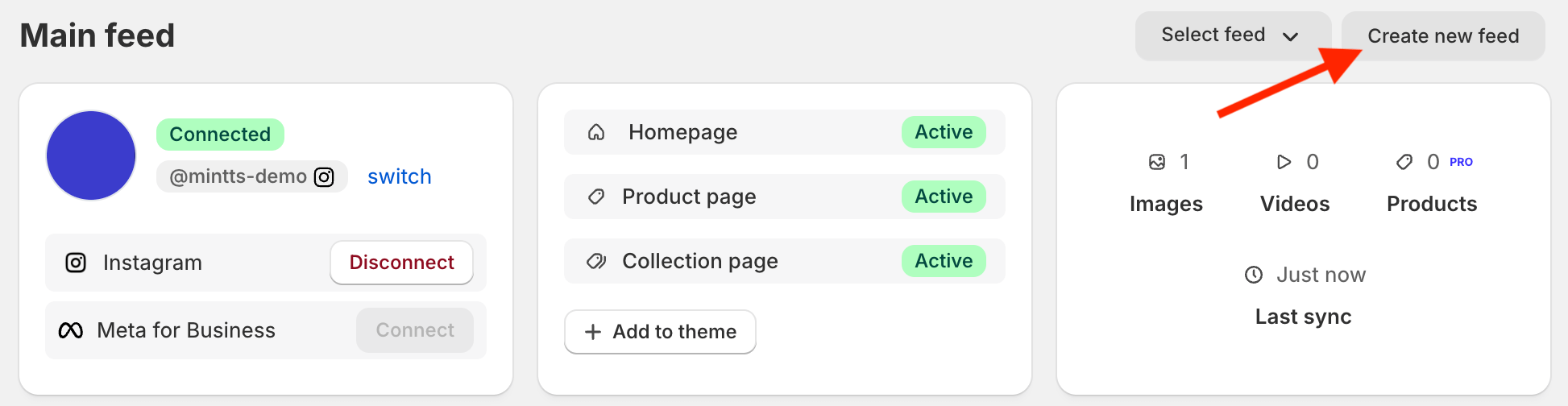
- Go to Shopify > Apps > Instafeed and click Create new feed.
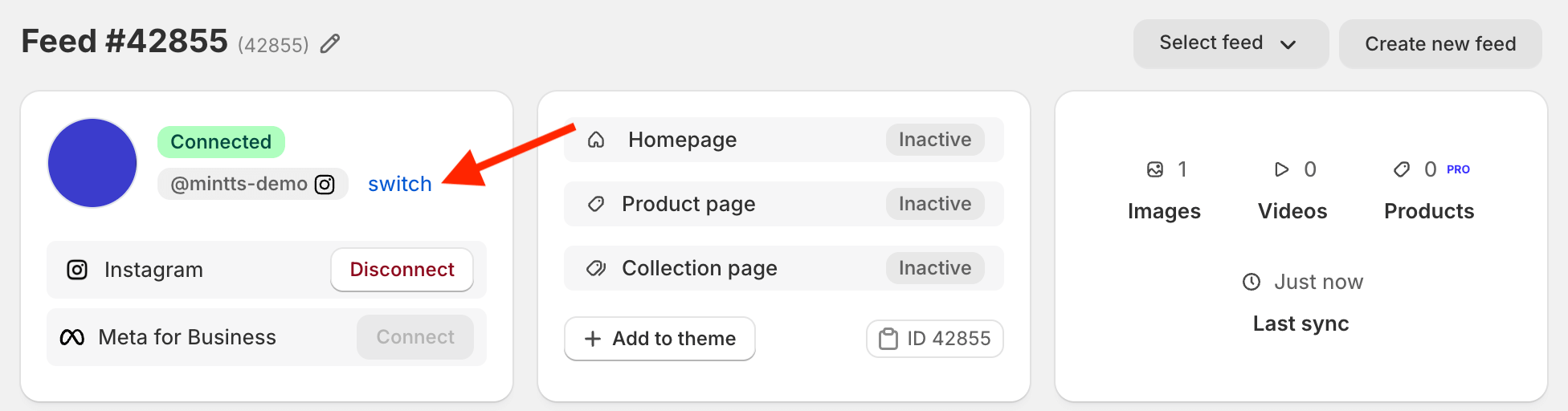
- In the new feed, click switch next to your Instagram username to connect a different account.
Common questions
- How can I change the connected Instagram account?
Read our guide to learn how to change the Instagram account connected to Instafeed - Instagram Feed.
- I'm using a legacy theme, how can I add multiple feeds to my store?
Read our guide for instructions on how to add multiple feeds to a legacy theme.